At a glance
What the Fantoss login actually does
The Fantoss login is the front door to your wallet, your team history, your captain picks and your withdrawals. The flow is built around your mobile number because that is how the app proves who you are on every contest entry — the same number pays the entry fee and the same number receives the withdrawal. Understanding that loop is the difference between a smooth first deposit and a 24-hour support ticket.
At a glance
Sign in with a phone number — the only first factor
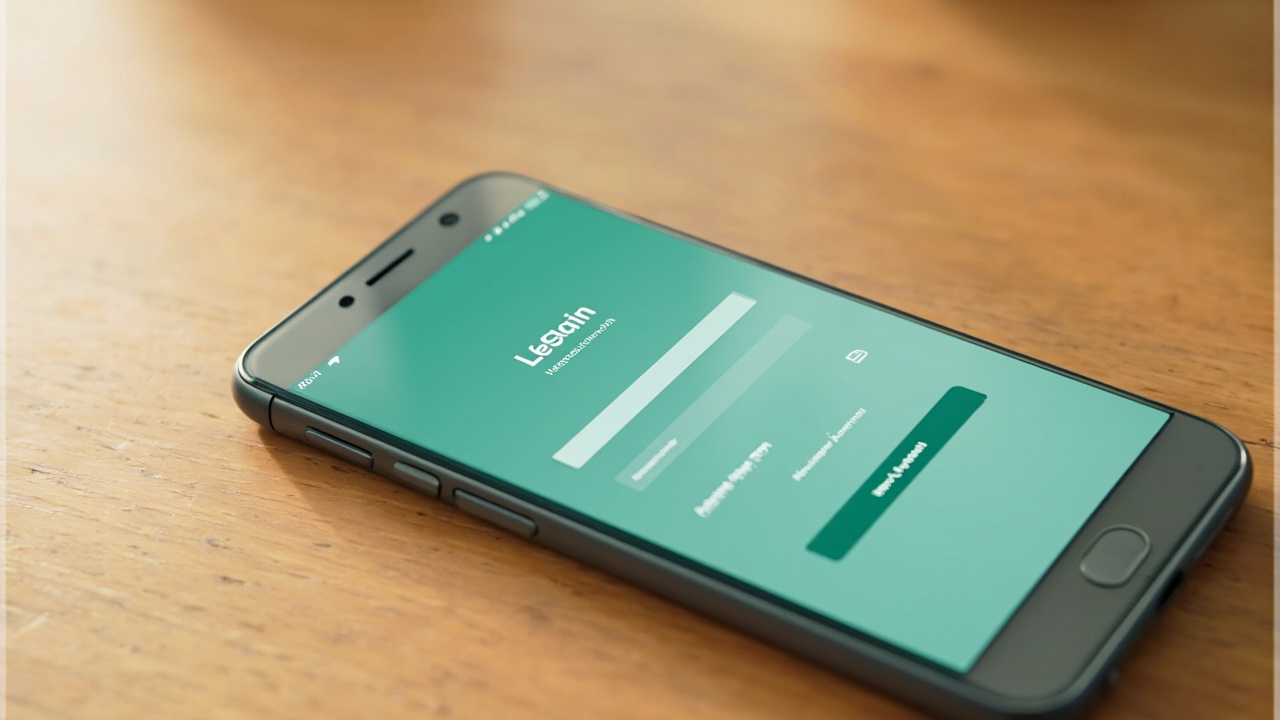
The Fantoss login starts with a 10-digit mobile number. That number is the primary key — it links your PAN, your UPI withdrawal handle and your team history. If you change phones, you do not lose your account; the same number signs in on the new device.
Avoid using a colleague's number, a temporary SIM or a foreign roaming number for the first sign-in. If the OTP does not arrive within 30 seconds, use the in-app 'Resend OTP' button and check that the number matches your Aadhaar — the platform uses phone OTP only as a first factor, not as identity verification.
Fantoss also enforces a single active session on the wallet — the latest sign-in wins. Older devices are signed out automatically when a new device signs in. This protects you if someone else tries to use your OTP.
Two-step verification protects withdrawals above ₹2,000 by default. The second factor is an email confirmation plus the device fingerprint match. If you reinstall Fantoss on a new phone, the second factor will ask again — this is by design.
If you ever lose access to your phone, the fastest recovery path is the in-app help chat. Open Profile → Help → 'I cannot sign in'. The agent will guide you through SIM change, KYC re-confirmation and a one-time device re-link. Most recovery tickets resolve within 24 hours; complex PAN mismatches take 48 hours.
Use the same number that holds the bank and UPI
Your bank account and your UPI handle should both be linked to the same mobile number that signs in to Fantoss. The wallet verifies withdrawals against that name match — a mismatch will hold your payout in manual review for 24–48 hours.
If you cannot use the same number for the bank and the app, raise a KYC support ticket before joining a paid contest. The desk will help you re-link or document the exception.
OTP versus password — when each is asked
The Fantoss login flow does not use a password in the traditional sense. Every sign-in triggers a fresh OTP. This protects you from credential leaks but means you must have phone signal during sign-in. If you travel, request the OTP just before the contest deadline.
Avoid third-party 'auto-OTP' readers that ship with older Android builds — they can store OTPs in a way that exposes them to other apps. Read the OTP manually and type it.
Two-step verification for withdrawals
The first withdrawal above ₹2,000 asks for a second factor: an email confirmation plus a PAN verification match. The flow is built into the wallet and runs once per device. Subsequent withdrawals on the same device do not need the second factor unless you reinstall the app.
If you reinstall Fantoss on a new device, the second factor will ask again. Treat it as a security feature, not a friction point.
What to do when the OTP never arrives
The most common cause is signal delay — the OTP route is queued and arrives within 30 seconds. If it does not, tap 'Resend OTP' and check your number against your Aadhaar. If the number is correct and the OTP still does not arrive, raise a customer-care ticket from inside the app — the desk can verify whether the number is blocked.
Customer-care tickets raised from inside the app carry your device fingerprint, so support agents can confirm the request is genuinely from your account. Avoid sending OTPs over SMS or chat to anyone claiming to be Fantoss support — we never ask for the OTP.
First sign-in checklist before joining a paid contest
Before you join a paid contest, complete four things: (1) confirm your mobile number with the OTP, (2) set a UPI handle that matches your PAN name, (3) read the contest rules tab inside the lobby, and (4) read the state-restriction note in your wallet. Each step is a one-tap action but skipping one causes the first withdrawal to delay.
Fantoss does not require a deposit before the free practice contest — use it to learn the scoring system before the first paid entry.
Frequently asked questions
Do I need a password to sign in to Fantoss?
No. Fantoss uses phone OTP for every sign-in. There is no password to remember and no password to reset.
Can I sign in on two phones at the same time?
Yes. Both phones receive the OTP and can stay signed in. Withdrawals require the second-factor check on whichever device triggers the first request.
I lost my SIM. How do I recover my Fantoss account?
Open the customer-care page, raise a 'SIM change' ticket with your old and new numbers, attach a photo of your PAN and the carrier's SIM-transfer receipt. Recovery typically completes in 24–48 hours.
What if I move to a state that restricts paid fantasy?
The app surfaces a state-restriction notice inside the wallet when you sign in from a restricted state. Free practice contests remain available; paid entries are blocked until you move back to an eligible state or update your KYC.
Can I use a virtual number for the first sign-in?
No. Fantoss rejects virtual numbers because they cannot be tied to a verified Aadhaar or PAN. Use a real mobile number on first sign-in.
How long does KYC take after the first sign-in?
PAN verification completes in under a minute on a stable connection. Aadhaar OTP takes another 30 seconds. The combined flow runs in under five minutes on a 4G phone.