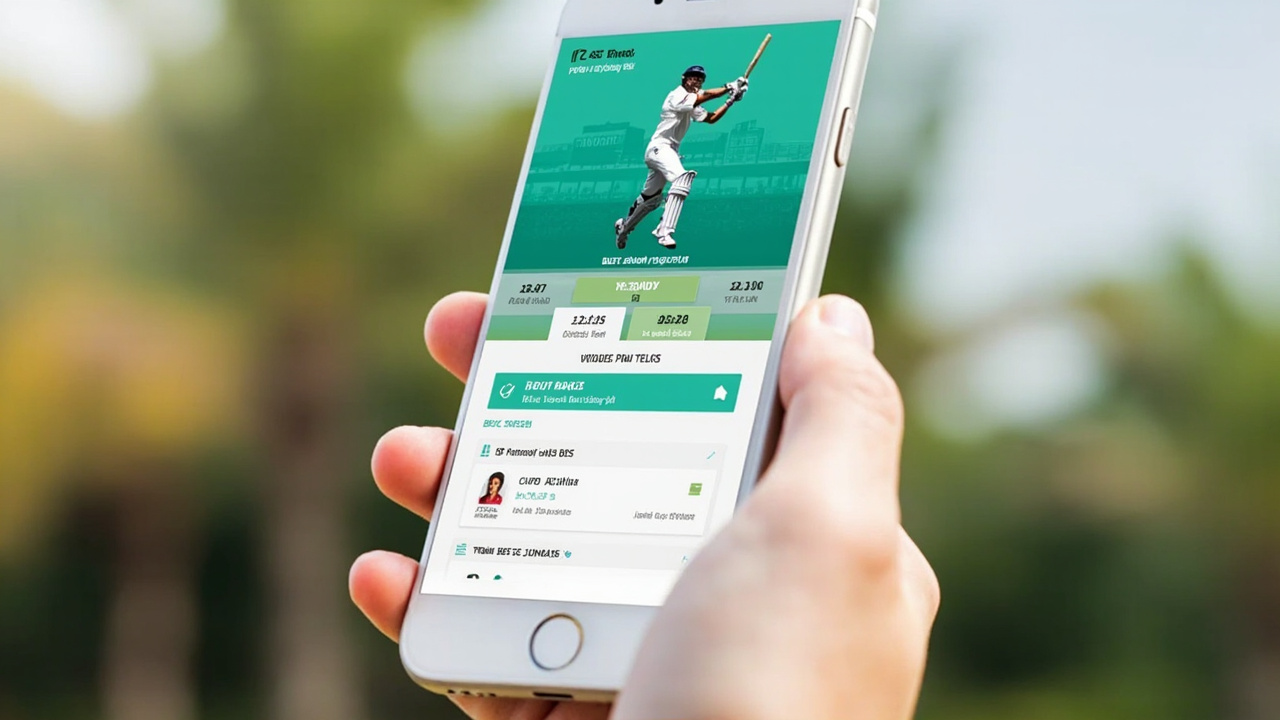
What the Fantoss app actually contains
The Fantoss app is built for the moment between toss and first ball. It opens fast on a 4G phone, lets you copy a published team in two taps, runs the captain switch in under a second and surfaces the editorial desk brief 30 minutes before the toss. This page walks every tab — lobby, lineup, points, wallet, profile — so a first-time user knows what to expect before downloading.

The lobby — fixtures, contests and prize pools
The lobby is the home screen. It lists every live and upcoming match with a coloured contest ribbon — green for free, mint for paid, orange for marquee. Tap a fixture and the contest list opens in under a second on a 4G phone.
The lobby also surfaces the desk's match brief at the top — a single-paragraph summary of the pitch read, toss impact and captain pick. Tap 'Read full brief' to open the editorial hub page inside the in-app browser.

Lineup builder — pick eleven, captain two
The lineup builder opens on a single screen. The left column lists players by role (WK, BAT, AR, BOWL); the right column shows the seven-player XI you are building. The salary cap updates live as you tap.
Captain and vice-captain are picked with a long press on a player row — a small 'C' or 'VC' badge appears next to the role. The 2x and 1.5x multipliers are shown at the top of the screen so you cannot forget.

Live points — what updates when
Live points refresh after every over. The scorecard shows every player's running total plus a small badge that highlights the captain's contribution. Boundaries, wickets and catches trigger an animated tick within two seconds of the broadcast feed.
The points view also shows the contest rank — how your team is positioned in the room. The rank updates after each over so you can see how a captain pick is paying off in real time.
Wallet — deposits, withdrawals, KYC
The wallet tab holds your deposit balance, your bonus balance and your withdrawable balance. Deposits use UPI; withdrawals require a verified PAN and a UPI handle that matches your PAN name.
The wallet also shows the next-step checklist — if PAN is unverified, a single-line note says 'Verify PAN to withdraw above ₹2,000'. One tap opens the verification flow.
Profile, help and customer care
The profile tab holds your personal details, the editorial notification preferences and the customer-care link. Help is in-app first, email second; the editorial desk does not handle wallet queries.
Profile also exposes the responsible-play tools — deposit limits, time-outs and self-exclusion. These are one tap from the home screen and do not require a customer-care ticket.
Notifications — what the editorial desk sends
Notifications are optional and tournament-scoped. Pick a tournament or a team and the desk sends the match brief 30 minutes before the toss. Marketing notifications are off by default; you opt in, not opt out.
The notification preferences let you silence captain reminders, contest results and editorial briefs independently. The default state is on for results, off for captain reminders.
Frequently asked questions
How big is the Fantoss app?
The Android APK is under 50 MB on a 4G install. The iOS build is under 60 MB. Both shrink further after the first run when the contest cache loads.
Does the Fantoss app work offline?
The lobby needs a connection to fetch fixtures. The lineup builder works offline for 30 minutes after the last sync — useful on a flaky stadium Wi-Fi.
Can I install Fantoss on more than one device?
Yes. Sign in with the same phone number on each device; both stay logged in. Withdrawals ask for a second-factor check on whichever device triggers the first request.
Does Fantoss track my location?
Only at sign-in, to verify your state for paid contest eligibility. The app does not track GPS during play.
What happens if the app crashes during a contest?
Your lineup is locked at the deadline and stored server-side. A crash mid-match cannot cancel your entry. Reopen the app and the lobby reloads the active contests.
Does the app support UPI autopay?
Yes, but only after you enable it inside the wallet. UPI autopay is for recurring deposits above ₹500; one-tap UPI is the default for casual deposits.