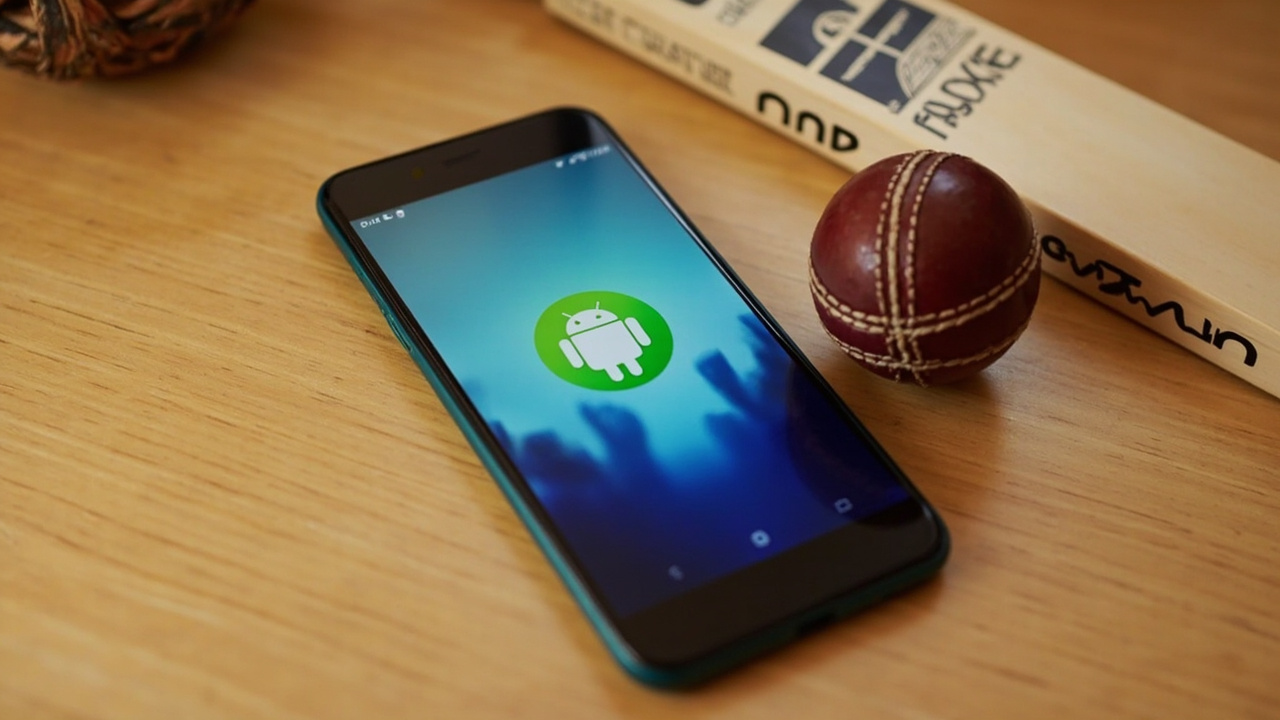
When to use the APK mirror
The Fantoss APK mirror is for users on restricted networks where the Google Play Store is unreachable or throttled. The mirror is hosted on this site, signed with the same developer key as the Play Store build and updated within 24 hours of every release. If you can reach the Play Store, prefer it — Google verifies the signature automatically.

Latest version and file size
The current Fantoss APK is version 4.2.1 (build 42100), released for the IPL 2026 window. The file is 47 MB on first install and drops to 28 MB after the contest cache loads.
Older versions are kept in the archive but not recommended — they miss the captain multiplier tweak for Super Over contests and the wallet upgrade for UPI autopay.
SHA-256 signature and how to verify
Every release carries a SHA-256 signature. The signature for the current build is published in the help section and updated within an hour of every release. Verify the file before installing.
If the checksum does not match, do not install the APK. Raise a customer-care ticket from the help page with the failed checksum and the mirror URL you downloaded from.

Sideload steps for Android 10+
Open Settings → Apps → Special access → Install unknown apps. Pick the browser you used to download the APK, toggle 'Allow from this source' on, then tap the APK file in your downloads folder. Confirm the install prompt and tap Install.
On Android 14+, the prompt includes a developer name. Confirm it matches the published developer name on this page before tapping Install.
Sideload steps for older Android
On Android 9 and earlier, the install flow asks once per browser. Enable unknown sources for the browser you used, tap the APK and confirm.
If you have never sideloaded an APK before, consider using the Play Store instead. The sideload flow is safe but requires more setup.
Why we recommend the Play Store first
The Play Store verifies the APK signature, scans the file for known malware and tracks the developer key. If Google ever delists Fantoss, every Play Store install stops receiving updates automatically.
Sideloaded installs do not get this protection. If you sideload and the developer key changes in a future release, you will need to uninstall and reinstall the latest APK manually.
What to do if the install fails
The most common failure is 'package conflict' — caused by a previous Fantoss build installed from a different mirror. Uninstall the previous build first, then install the new APK. If the failure persists, raise a customer-care ticket with the device model and Android version.
Customer care responds to install failures within 24 hours and can verify the file signature before you try again.
Frequently asked questions
Is the Fantoss APK mirror official?
Yes. The mirror is hosted on this site and signed with the same developer key as the Play Store build. The SHA-256 signature is published in the help section.
Will the APK receive automatic updates?
No. Sideloaded APKs do not auto-update. Re-download the latest APK weekly to stay current.
Can I install the Fantoss APK on a Chromebook?
Yes. Chromebooks with Android app support can install the APK through the Files app. The lobby adapts to the larger screen.
Does the Fantoss APK contain malware?
No. The APK is signed with the published developer key and scanned by VirusTotal on every release. The checksum verification step is the user-side mirror of the same check.
What happens if I install a tampered APK?
A tampered APK can ask for unusual permissions and may steal your OTP at sign-in. Always verify the SHA-256 signature before installing.
How often is the APK updated?
The APK is updated weekly during IPL season and monthly off-season. Each update is announced in the editorial desk's notification preferences.